
How to Charge The BMW – At Home & Public Station Step-by-Step
If driver own or plan to purchase a plug-in hybrid or fully electric BMW, this guide will inform car’s owner of everything need to know about charging one. So we hope this Article – How to Charge The BMW – At Home & Public Station Step-by-Step will help Bimmer to have more information about how fast and convenient to recharge the BMW. We are Leather1993 – We specialize in creating high-quality, handcrafted car key cases to keep the keys in the best condition.
Charge BMW At Home the Right Way
BMW offers a charging cable that can be used for charging at a domestic socket. This charging cable features LEDs to give car’s driver information about the status. And the German brand’s car explains the meaning of the LEDs on the back side of the charging module.
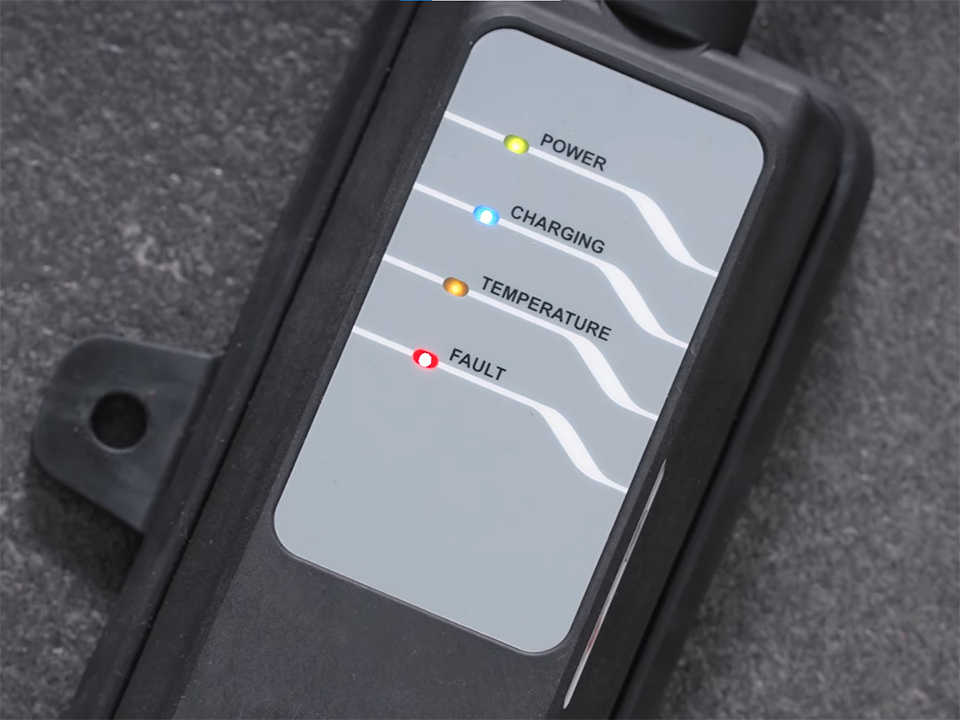
Place the cable carefully on the ground in the right direction or hang the cable using the loop. Connect the charging cable to the domestic socket first. Bimmer should not use an extension cable between the charging cable and the socket.
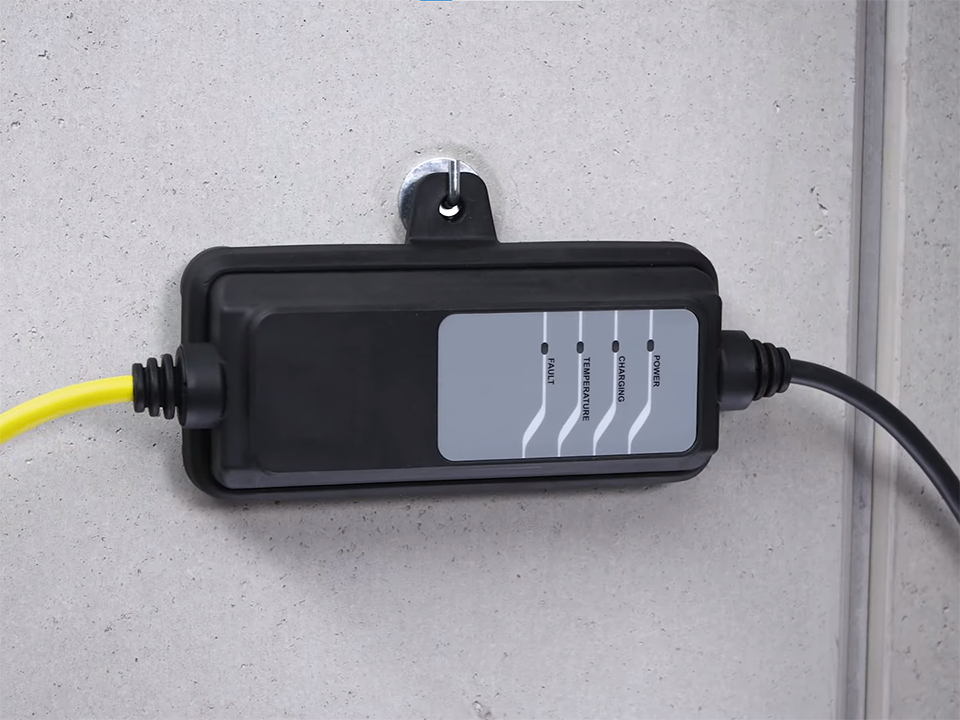
The green Power LED indicates readiness and car’s owner can connect the vehicle. In case of a charging failure, please try to restart the charging process by reconnecting the charging cable. Driver can also try a different socket checked by an electrician. And after you have done with charging the BMW, you can only unplug the charging cable when you unlock the BMW. Unplug the vehicle first before you unplug the cable from the socket.
Go About Public Charging With The Electric BMW
Find the next recharging stop with the My BMW App. In the map tab, click on “Charging” to display the availability, plug type, and charging speed of charging stations. Based on the vehicle, the My BMW App filters for compatible charging stations. You can add specific filters. Select a recharge point and send it to the BMW to take it over as the next destination in the navigation system.

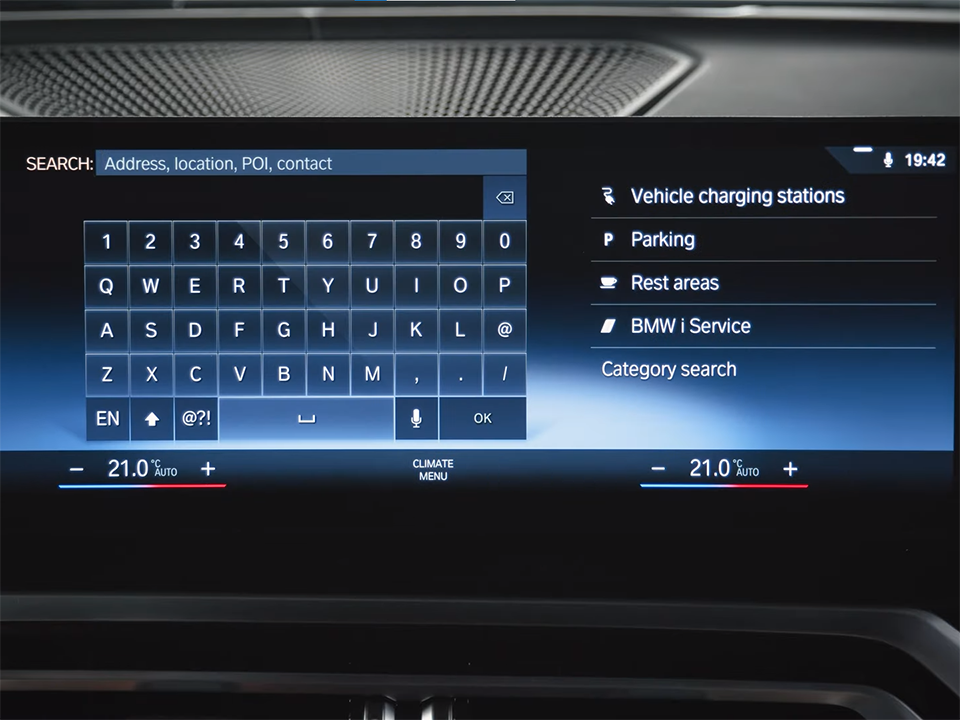
Or in BMW Maps – directly in the car – select “Destination input” and “Vehicle charging stations“.
You can use a Charging Contract or pay directly at the Charge Point. BMW Charging offers you access to an extensive network in Europe for attractive rates.
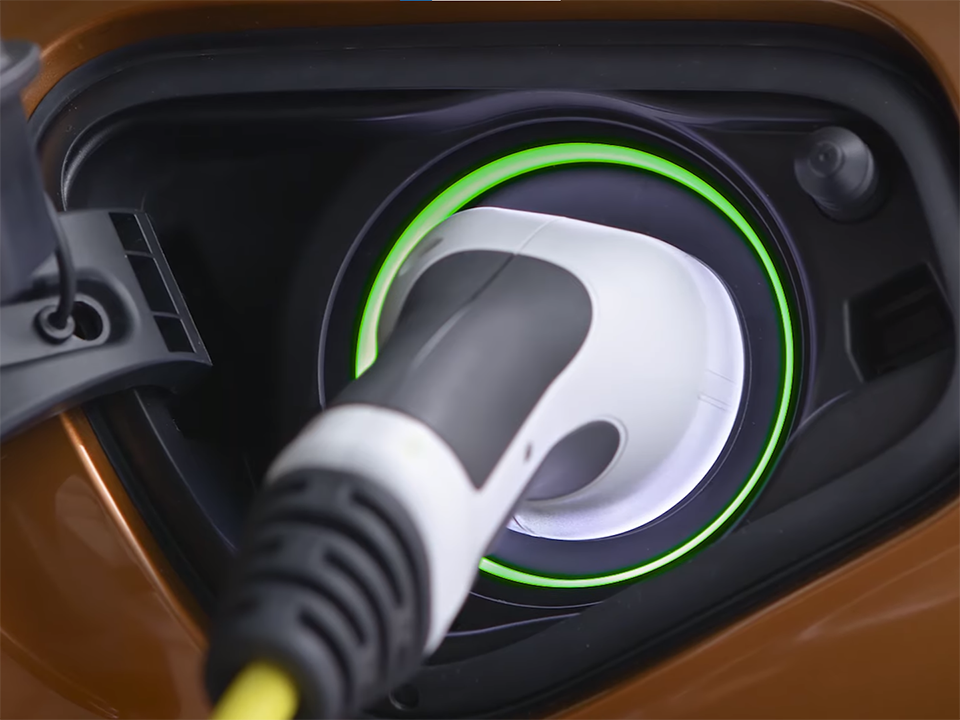
Now, connect the vehicle to the charging station. For public AC charging you need the BMW Mode 3 Cable which comes with new car. Then choose the preferred option to authenticate: For example, digital authentication with the My BMW App. Just scan a QR code at supporting charge points or select it in the app.
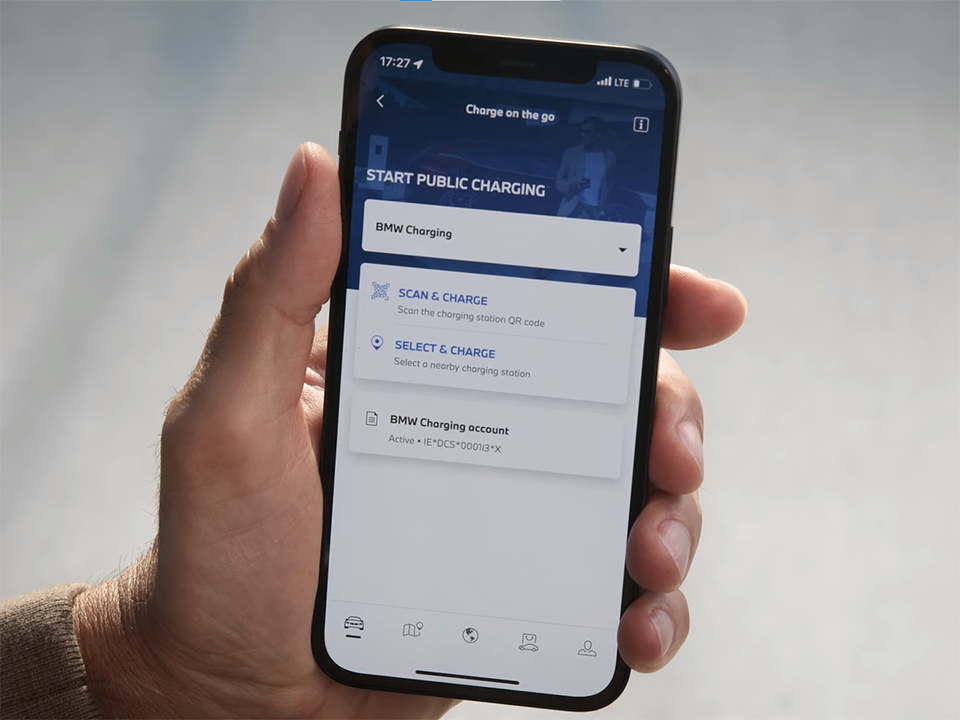
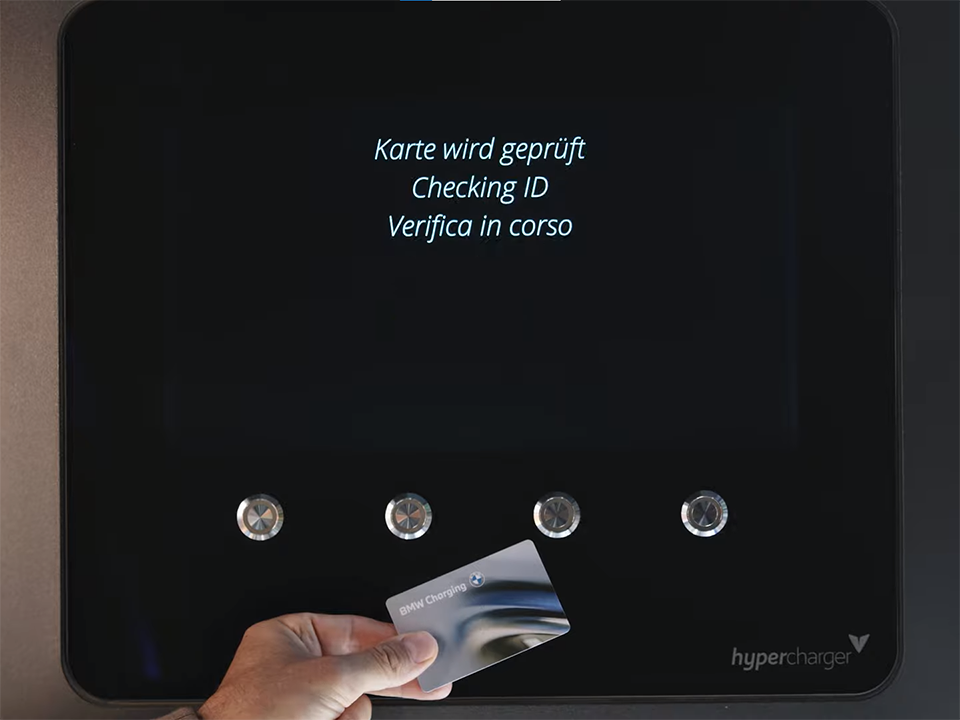
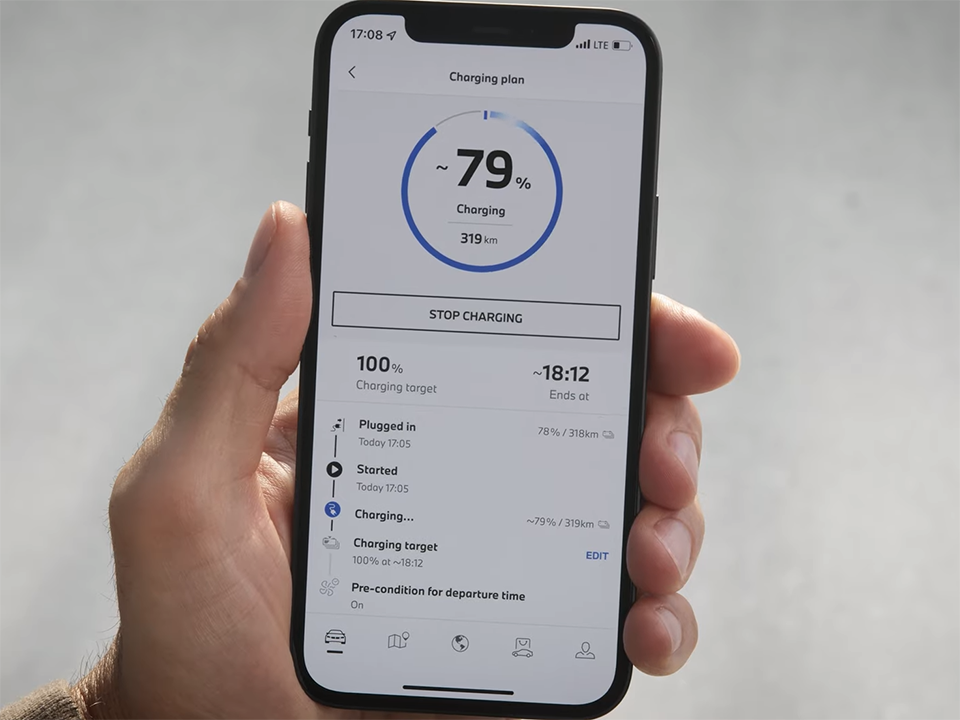
Alternatively, BMW’s owner can use the BMW Charging Card at most charging stations. That’s it! Charging starts automatically. In the My BMW App, driver get to monitor the charging process.
Check the charging status, set a target state of charge, or stop charging remotely. Once the target state of charge is reached or the vehicle is fully charged, charging stops automatically. Depending on the type of charge point and state of charge the plug is released automatically or driver can release it by unlocking the vehicle.
Adjusting the settings for BMW AC charging
To make sure the BMW electrified model charges as quickly and safely as possible, make sure car’s owner set the charging current accordingly.
Depending on the available current and the recommendation of the authorized electrician, car’s driver can set the correct limit value by going to “CAR”, “Plan charging/climate”, “Settings”, “Standard charging”, and “Current limit”. BMW home recharging devices that use socket outlets are equipped with a current limitation function based on legal standards.
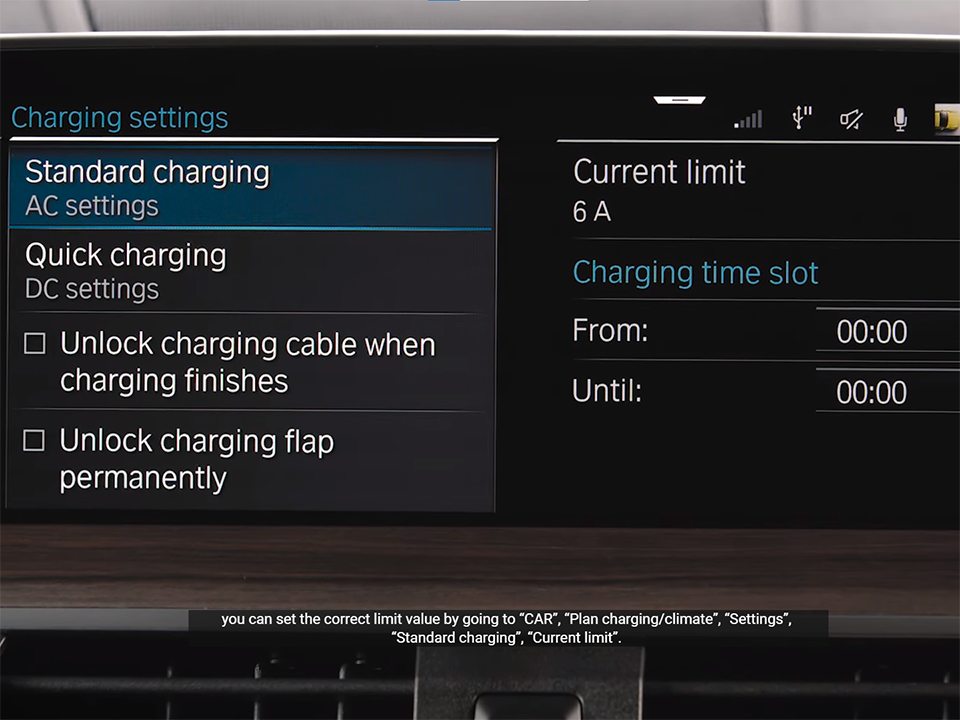
If customer need to further reduce the current, check the box “Current limit” to activate the limit value.
More posts related to this post:
See more:
Some BMW Key fob covers in our store
![Holding a BMW X Series [X1, X2, X3, X4, X5, X6, X7] Key Fob Cover with a comfortable grip version exposed buttons](https://leather1993.com/wp-content/uploads/2024/08/BMW-X-Series-X1-X2-X3-X4-X5-X6-X7-Key-Fob-Cover-3-600x450.jpg)
![The front side of BMW X Series [X1, X2, X3, X4, X5, X6, X7] Key Fob Cover with keychain, tag and wrist strap and real BMW key](https://leather1993.com/wp-content/uploads/2024/08/BMW-X-Series-X1-X2-X3-X4-X5-X6-X7-Key-Fob-Cover-Patina-600x450.jpg)
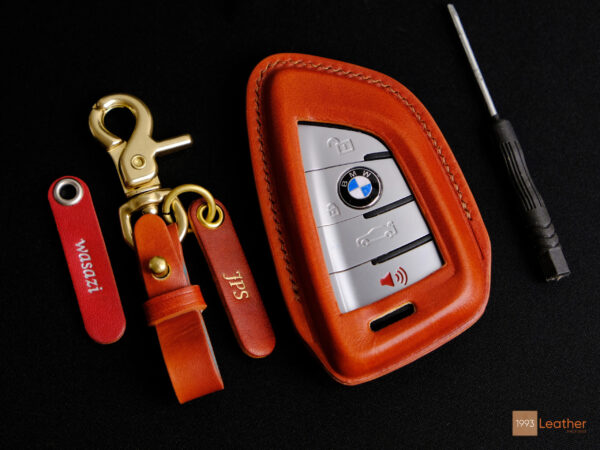
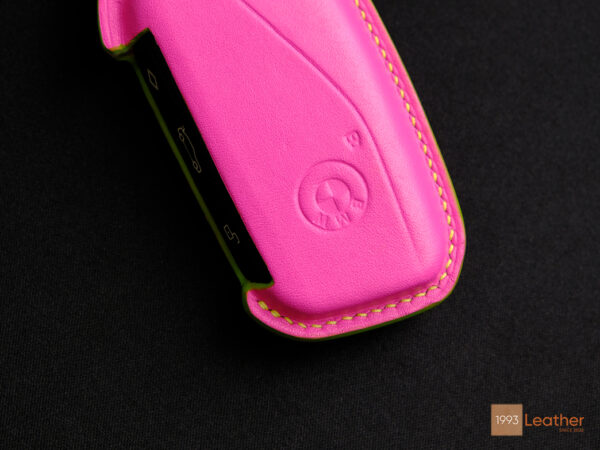
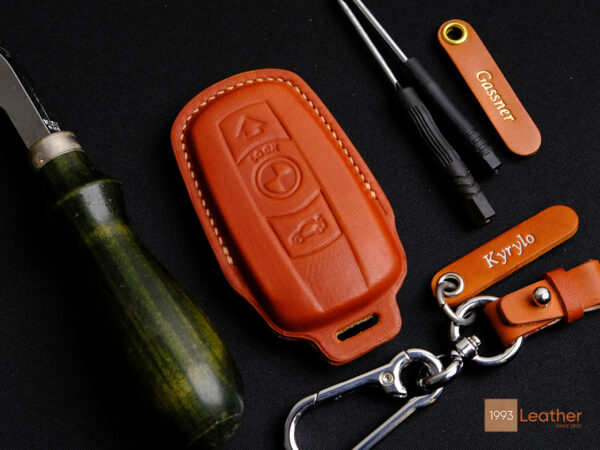
Leather1993 store do not sell only BMW Key fob cover but we also provide a lot of key fob pouches. Hope the above article helped customers understand more about How to Charge The BMW – At Home & Public Station Step-by-Step. Please leave the comments below the comment section. Feel free to contact us for more information!

 Explore Ford Camera & Display Tech – Rear View to 360 Split View
 How to Use Audi Advanced Driver Assistance System (ADAS) like Traffic Jam Assist and Active...
 How to Properly Maintain Handmade Leather Goods with Leather Preservation Guide
 How to use Volkswagen Remote Start key – Step-by-Step Guide
 How to Connect Volkswagen with Android Auto – Completely Guide
 How to Connect Apple CarPlay with Volkswagen – Full Guide for iPhone Users